01
Print pattern
Business on paper
A focused home for client-approved stationery, flyers, cards, booklets, or other business-facing items.
Add approved formats, quantities, and price guidance later
Open this product patternIllustrative print-production interface only — no real printer, material, colour outcome, proof, deadline, price, stock, or delivery claim is shown.
Printing / signage / packaging · design demo 24
CMYK / make the brief visible
A colourful, practical web direction for a Sri Lankan print, signage, packaging, sticker, or branding business. It brings product choices, artwork questions, sample layouts, and a real quote conversation into one clear page—without pretending to upload, calculate, proof, produce, or deliver a job.
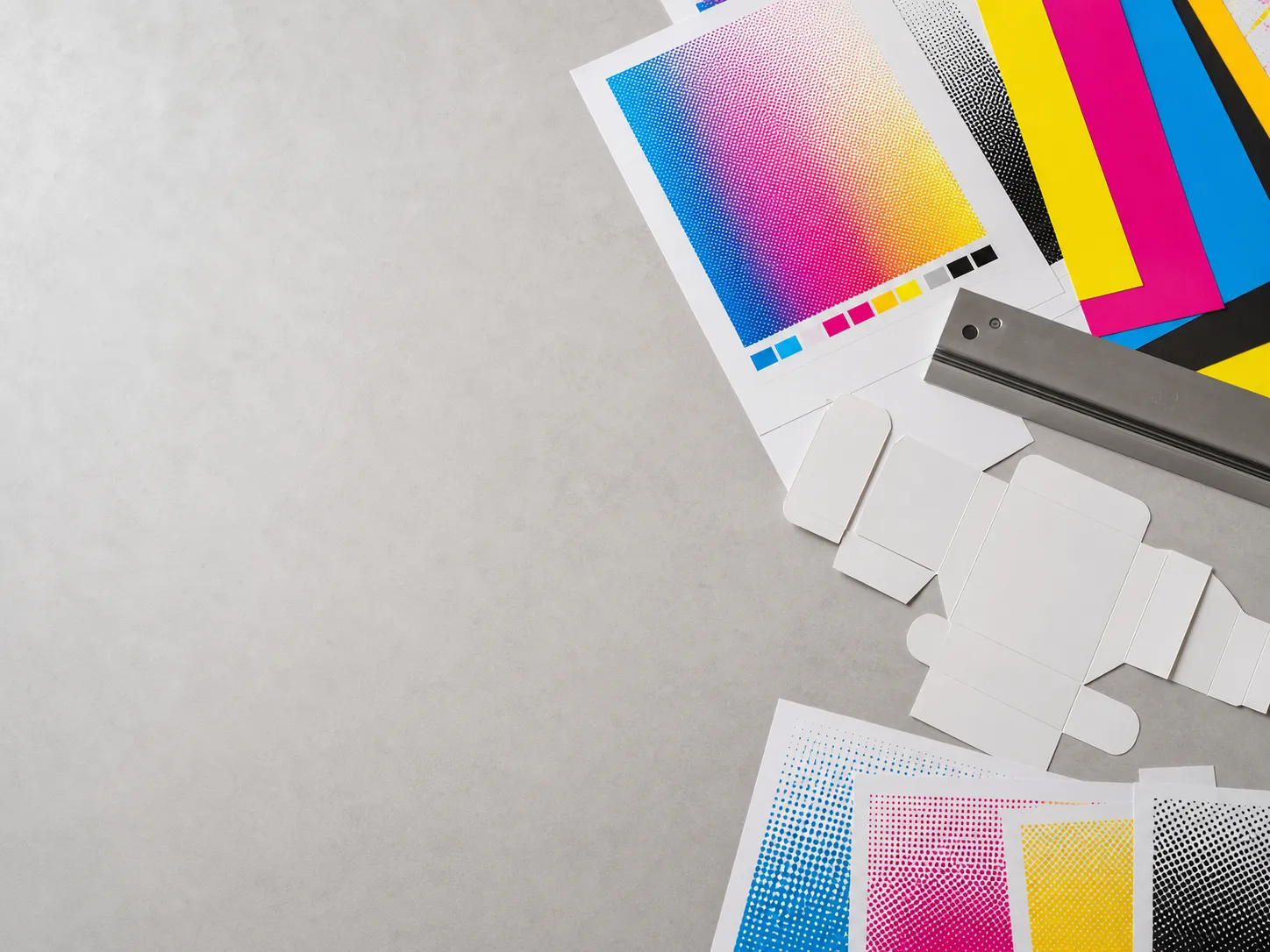
Objects and layouts are illustrative; they do not represent a printer, product line, material specification, or finished customer work.
Product choices arranged around a real-world brief
Artwork, size, quantity, and deadline questions made visible early
A quote route that stays honest about what this demo cannot do
Start with the job, not the machine
A real print business can group its approved range by the outcome a customer needs. These cards are visual patterns only, with no promise about formats, materials, finishes, capacity, colour, or turnaround.
Print pattern
A focused home for client-approved stationery, flyers, cards, booklets, or other business-facing items.
Add approved formats, quantities, and price guidance later
Open this product patternDisplay pattern
A high-visibility route for a real client to explain its approved signage, display, event, or campaign range.
Show real size, installation, and site details only after approval
Open this product patternPack pattern
A structured introduction to client-approved packaging, label, sticker, or branded presentation work.
Use verified material, safety, and production information only
Open this product patternThe category names and examples are illustrative. A live site must use only its client-approved product range, specifications, prices, legal information, and availability.
Brief guide / no upload happens here
This board turns a vague “need printing” message into a clearer client-approved conversation. It is not a quote calculator, file uploader, proofing tool, production queue, or submission form.
Discuss this brief patternA live client process may ask for artwork, quantity, deadline, and approval information. Its privacy, file handling, proofing, cost, and production terms need separate client confirmation.
Illustrative brief board
Portfolio structure / not customer work
These abstract panels show how a future portfolio can establish rhythm, scale, and category. They are sample compositions, not reviews, case studies, client identities, print proofs, or finished jobs.
Sample composition 01
A restrained panel for approved stationery, collateral, or recurring business material.
Sample composition 02
A bright panel for approved label or packaging imagery once a client supplies it.
Sample composition 03
A high-scale panel for real signage or display imagery after rights and facts are confirmed.
Sample composition 04
A compact panel that can hold approved process, production, or finishing information.
Replace every sample panel with owned or client-approved imagery, accurate captions, relevant rights, and verified production information before publication.
Production clarity, without a false promise
A useful print website can explain the shape of an approved process while keeping every real deadline, proof, material, colour, payment, and delivery commitment outside the demo.
A client-approved starting point for product, intended use, and audience.
The live business can clarify approved artwork, size, quantity, and any relevant conditions.
Rates, taxes, proofs, and acceptance terms belong in a verified client process.
Production, collection, installation, delivery, and timing must be confirmed by the business.
This diagram is illustrative. It does not create a quote, accept artwork, issue a proof, reserve production, or confirm delivery.
Quote CTA / design selection only
Web Blitz can adapt this CMYK direction around the real client’s approved products, artwork process, portfolio, contact details, and quotation workflow. Choosing the design opens a prefilled Web Blitz message, not a print quote request.
Choose this print designOpens a prefilled WhatsApp design-selection message. It does not submit a brief, request a quote, collect files, or create a production order.