Illustrative wedding and event planner concept
Begin with the feeling you want guests to carry home.
A cinematic, editorial direction for a planner or vendor whose first conversation should feel calm, considered, and unmistakably personal.
Design demo only. Event dates, suppliers, venues, packages, budgets, and availability remain placeholders until a client confirms them.
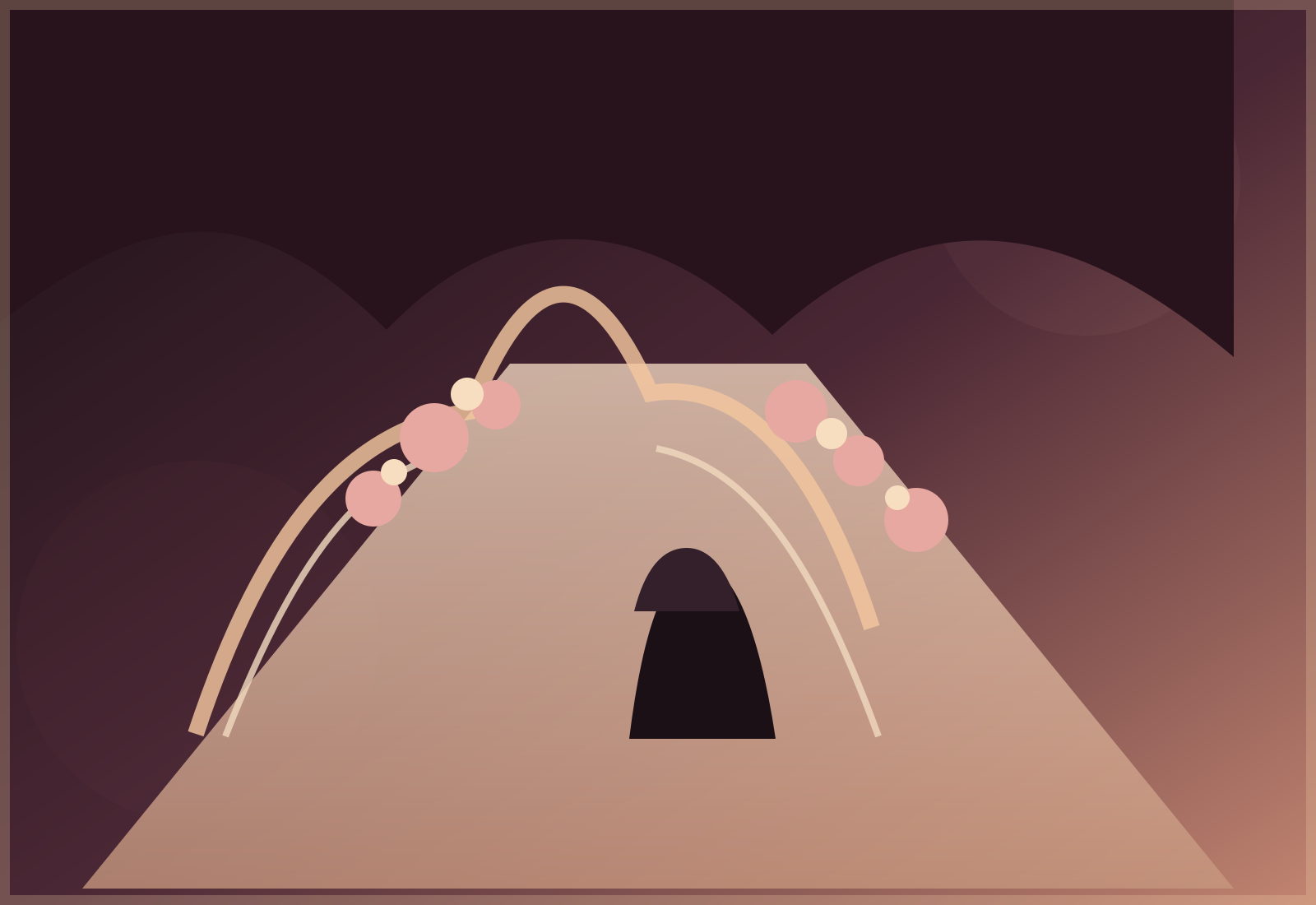
- Layered gallery moments
- Illustrative package paths
- A guided first enquiry
What the first conversation can hold
Room for the picture, the people, and the practical details.
The service structure gives a real team a graceful way to explain its approved scope without promising a supplier, venue, or result before it is confirmed.
The event picture
A place to gather the couple’s approved brief, atmosphere, ceremony moments, and priorities before the plan takes shape.
The working plan
A clear home for client-approved timelines, supplier coordination, guest flow, and event-day responsibilities.
The visual thread
A restrained way to present approved styling references, floral direction, table moments, and meaningful details.
Portfolio in three scenes
Let the eye pause before the questions begin.
These are original illustrative frames, arranged to show how an event portfolio can breathe instead of reading like a catalogue.
Illustrative ceremony frame
The arrival
A generous opening image leaves room for an approved event story, ceremony format, or venue context.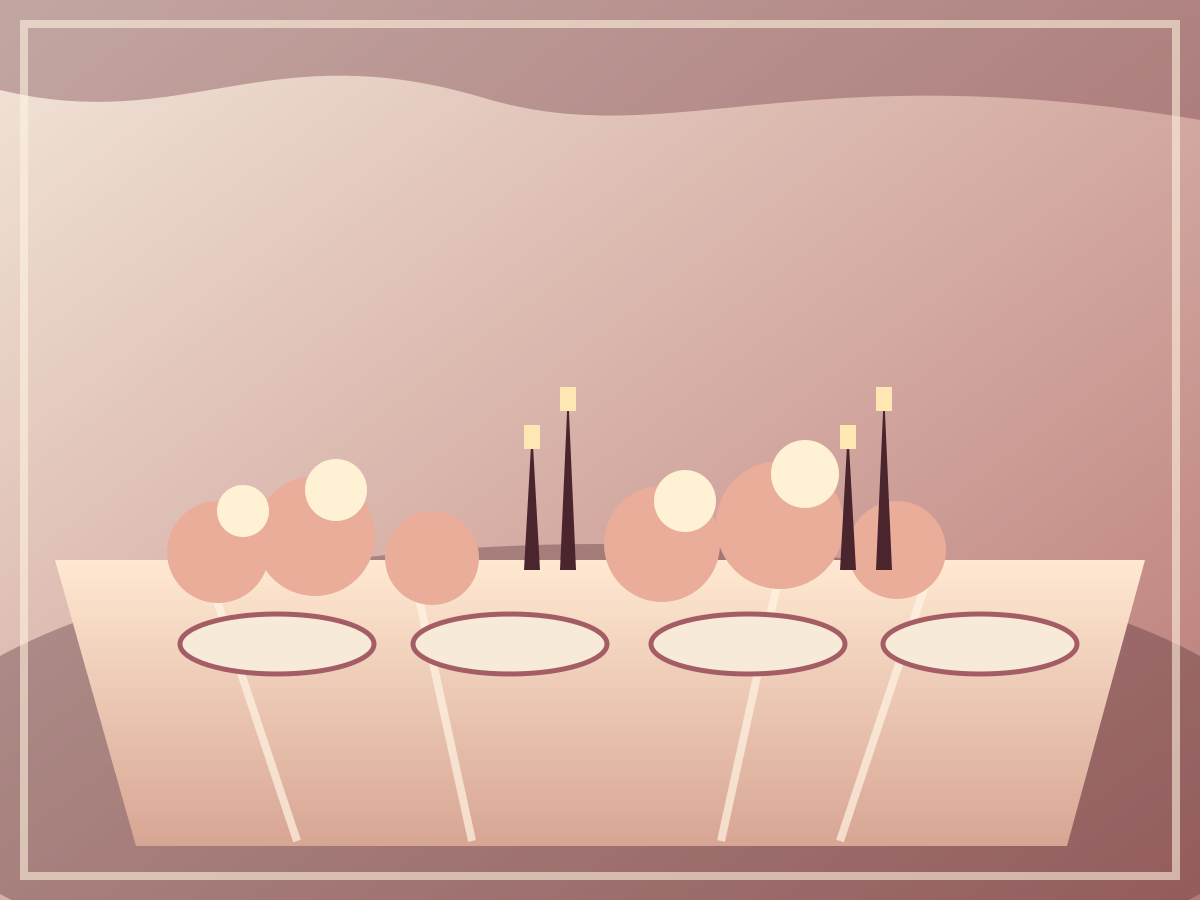
Illustrative reception frame
The table
A close, quiet crop makes the detail feel intentional without implying a real client, supplier, or finished event.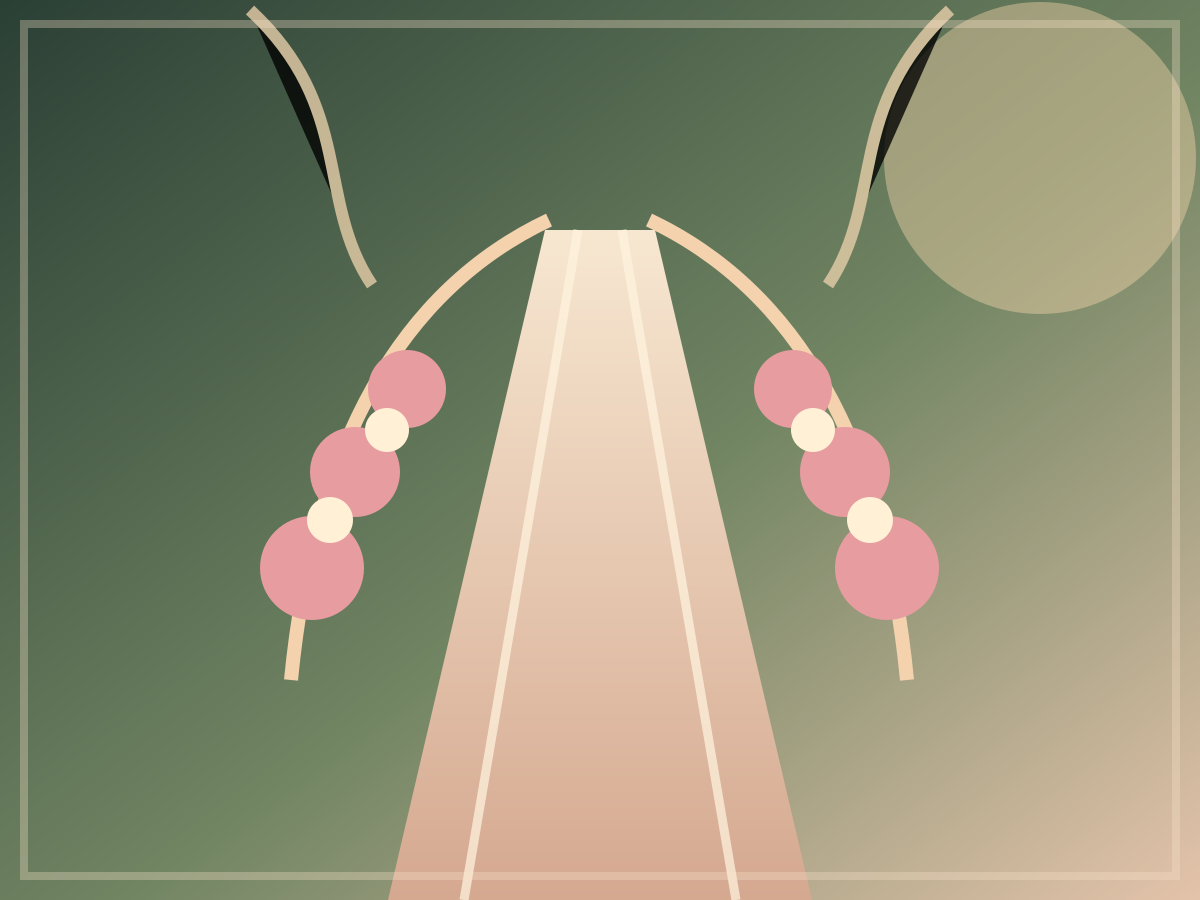
Illustrative garden frame
The pause
A softer composition for an approved mood board, floral reference, or a gentle transition into planning.Ways to begin
Choose a starting point, not a promise.
These package shapes are illustrative. A real planner can replace them with approved scope, inclusions, terms, and pricing after a client conversation.
No prices, supplier guarantees, or availability are represented in this static demo.
Illustrative pathway 01
The full picture
For a client who wants a single place to bring the early brief, practical questions, and style direction together.
- Discovery conversation
- Approved scope placeholder
- Planning rhythm placeholder
Illustrative pathway 02
The finishing thread
For a client who has started and needs a thoughtful place to clarify remaining details and event-day coordination.
- Existing plan review
- Approved vendor notes
- Event-day outline placeholder
Illustrative pathway 03
The focused moment
For a smaller consultation, styling discussion, or selected event component that needs an intentional first brief.
- Focused consultation
- Mood direction placeholder
- Next-steps placeholder
A planning rhythm
A little structure makes the beautiful parts easier to see.
This is an illustrative sequence, designed to set expectations without presenting a fixed delivery process or a guaranteed event outcome.
Listen for the shape
Start with the date, people, setting, priorities, and the feeling the client hopes to create.
Gather the detail
Turn approved decisions into a working brief with space for a venue, suppliers, guest count, and budget range.
Make the rhythm visible
Arrange client-approved milestones into a calm, shareable planning path rather than a wall of messages.
Hold the day
Describe agreed event-day coordination only when the real scope and responsibilities have been confirmed.
An event enquiry, gently framed
Give the first message a little more shape.
These are static enquiry prompts, not a booking form. They show the kind of information a real planner may ask for before a consultation.
- Event date
- Choose a date when confirmed
- Guest count
- Share an approximate number
- Venue or area
- Add a confirmed or preferred setting
- Budget range
- Share a comfortable planning range
- Preferred style
- Describe the mood, rituals, or details that matter
Availability is a conversation, not a badge.
A real business can add its approved consultation path, response expectations, and availability policy here. This demo does not check dates or reserve a service.
The persistent Web Blitz control opens a prefilled WhatsApp message for this design direction. It does not save an enquiry or submit these fields.